Introduction
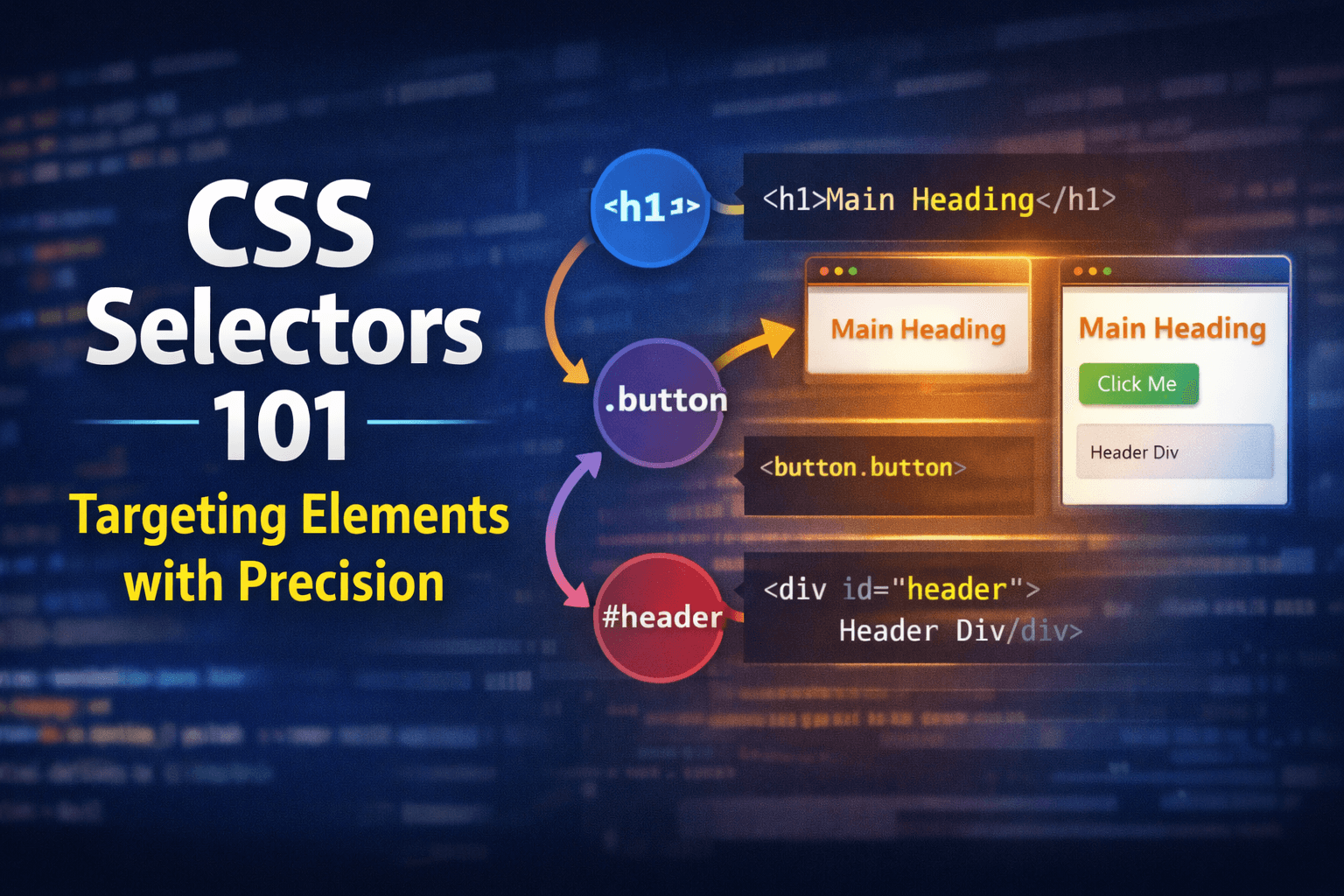
CSS selectors are the foundation of how we apply styles to HTML elements on a webpage. They allow us to target specific elements or groups of elements so that we can change their appearance, layout, and behavior. Understanding CSS selectors is essential for anyone looking to create visually appealing and well-structured web pages. In this guide, we will explore the most common types of CSS selectors and how to use them effectively to style your web content.
What are CSS Selectors?
CSS selectors are patterns used to select and style HTML elements. They define which elements in the HTML document will be affected by the CSS rules you write. By using different types of selectors, you can target elements based on their tag name, class, ID, attributes, and more.
Common Types of CSS Selectors
Global Selector
The global selector, represented by an asterisk (*), targets all elements on a webpage. It is useful for applying universal styles, such as resetting margins and padding.
* {
  margin: 0;
  padding: 0;
  box-sizing: border-box;
}
This rule removes default margins and padding from all elements and sets the box-sizing property to border-box, which makes layout calculations easier.
Element Selector
The element selector targets HTML elements by their tag name. For example, to style all <p> (paragraph) elements, you would use the following CSS:
p {
  color: blue;
}
This rule changes the text color of all paragraph elements to blue.
Class Selector
The class selector targets elements based on their class attribute. Classes are reusable and can be applied to multiple elements. To select elements with a specific class, you use a dot (.) followed by the class name. For example:
.highlight {
  background-color: yellow;
}
This rule applies a yellow background to all elements with the class "highlight".
ID Selector
The ID selector targets a single element based on its unique ID attribute. IDs should be unique within a page, meaning they should only be used once. To select an element by its ID, you use a hash (#) followed by the ID name. For example:
#header {
  font-size: 24px;
}
This rule sets the font size of the element with the ID "header" to 24 pixels.
Group Selectors
Group selectors allow you to apply the same styles to multiple elements by separating the selectors with commas. For example:
h1,
h2,
h3 {
  font-family: Arial, sans-serif;
}
This rule sets the font family of all <h1>, <h2>, and <h3> elements to Arial.
Descendant Selectors
Descendant selectors target elements that are nested within other elements. You can specify a parent-child relationship by separating the selectors with a space. For example:
nav a {
  text-decoration: none;
}
This rule removes the underline from all <a> (anchor) elements that are descendants of a <nav> element.
Basic Selector Priority
When multiple selectors target the same element, CSS uses a priority system to determine which styles to apply. In general, ID selectors have the highest priority, followed by class selectors, and then element selectors. Understanding this hierarchy is important for resolving conflicts in your styles.
Conclusion
CSS selectors are powerful tools that allow you to target and style HTML elements with precision. By mastering the different types of selectors—element, class, ID, group, and descendant—you can create well-designed web pages that are both functional and visually appealing. As you continue to learn and practice CSS, you'll find that understanding selectors is key to effective web development.
Further Reading
- MDN Web Docs: CSS Selectors
- W3Schools: CSS Selectors Reference
- CSS-Tricks: A Complete Guide to CSS Selectors
Happy learning!