Introduction
Writing HTML can sometimes feel tedious, especially when you're just starting out. Typing out every tag, attribute, and element can slow down your workflow and make coding less enjoyable. This is where Emmet comes in—a powerful toolkit that helps you write HTML markup faster and more efficiently. Emmet is a plugin available in many code editors that allows you to use shorthand syntax to generate HTML code quickly. By learning a few simple abbreviations, you can create complex HTML structures with just a few keystrokes.
What is Emmet?
Emmet is a web development toolkit that provides a set of shortcuts for writing HTML and CSS code. It was designed to improve the speed and efficiency of coding by allowing developers to use abbreviations that expand into full code snippets. Emmet is supported in popular code editors like Visual Studio Code, Sublime Text, and Atom.
Why Use Emmet?
Using Emmet can significantly speed up your HTML coding process. Instead of typing out every tag and attribute manually, you can use concise abbreviations that expand into complete HTML structures. This not only saves time but also reduces the chances of making syntax errors.
Basic Emmet Syntax
Emmet uses a simple syntax to represent HTML elements and their relationships. Here are some basic concepts to get you started:
- Element Creation: Type the tag name to create an element. For example, typing
divand pressing the Emmet expansion key (usually Tab or Enter) will generate<div></div>. - Classes and IDs: Use
.for classes and#for IDs. For example,div.containerexpands to<div class="container"></div>, anddiv#headerexpands to<div id="header"></div>. - Attributes: Use square brackets
[]to add attributes. For example,a[href="https://example.com"]expands to<a href="https://example.com"></a>. - Nesting Elements: Use the
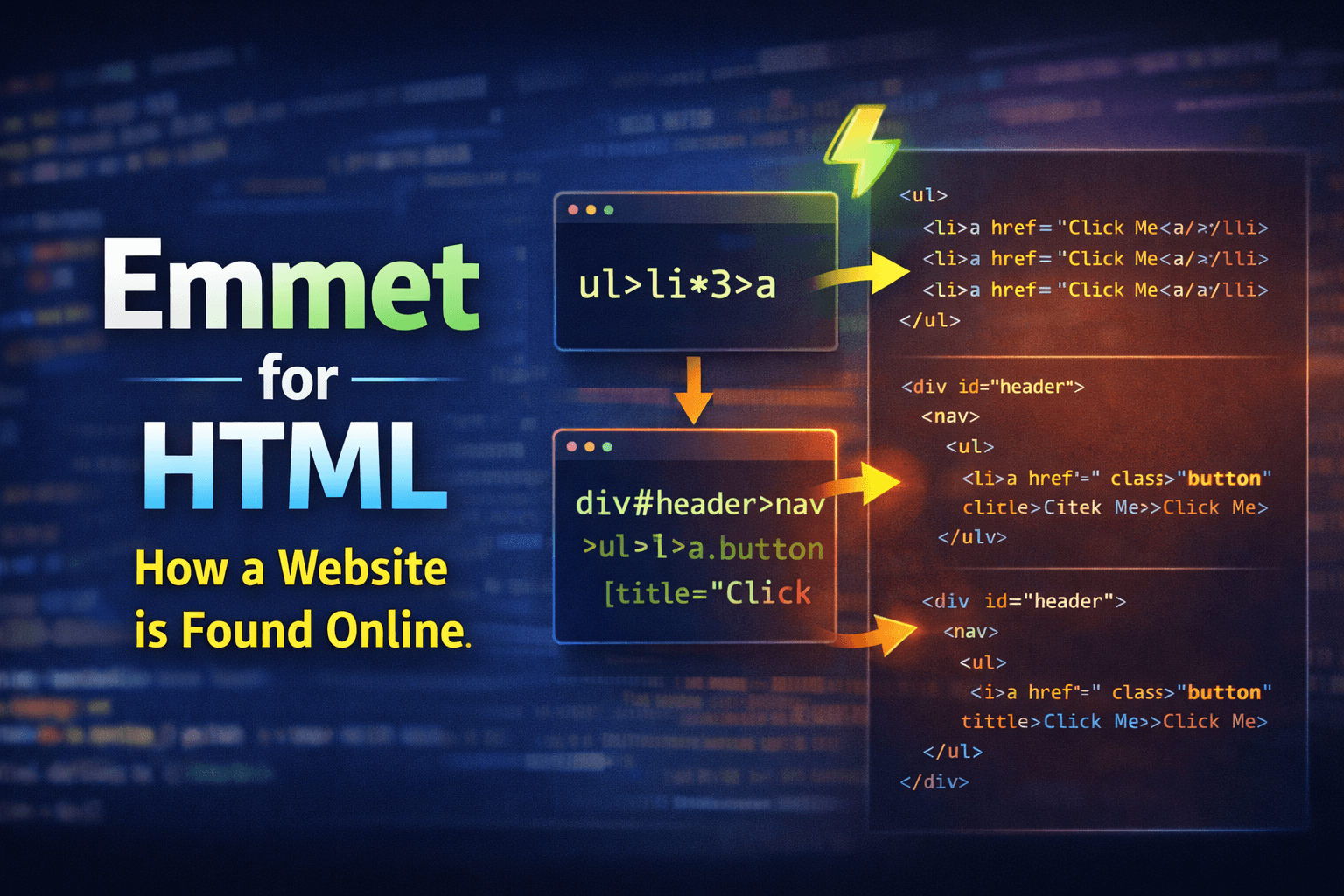
>symbol to nest elements. For example,ul>li*3expands to:
<ul>
  <li></li>
  <li></li>
  <li></li>
</ul>
- Repeating Elements: Use the
*symbol to repeat elements. For example,li*5expands to five<li></li>elements.
Generating HTML Boilerplate
Emmet can also generate a complete HTML boilerplate quickly. By typing ! and pressing the Emmet expansion key, you can create a full HTML5 document structure:
<!DOCTYPE html>
<html lang="en">
  <head>
    <meta charset="UTF-8" />
    <meta name="viewport" content="width=device-width, initial-scale=1.0" />
    <title>Document</title>
  </head>
  <body></body>
</html>
Conclusion
Emmet is a powerful tool that can help you write HTML markup faster and more efficiently. By learning the basic syntax and abbreviations, you can significantly speed up your coding process and reduce errors. As you become more comfortable with Emmet, you'll find that it becomes an invaluable part of your web development workflow.
Further Reading
Happy coding!