Introduction
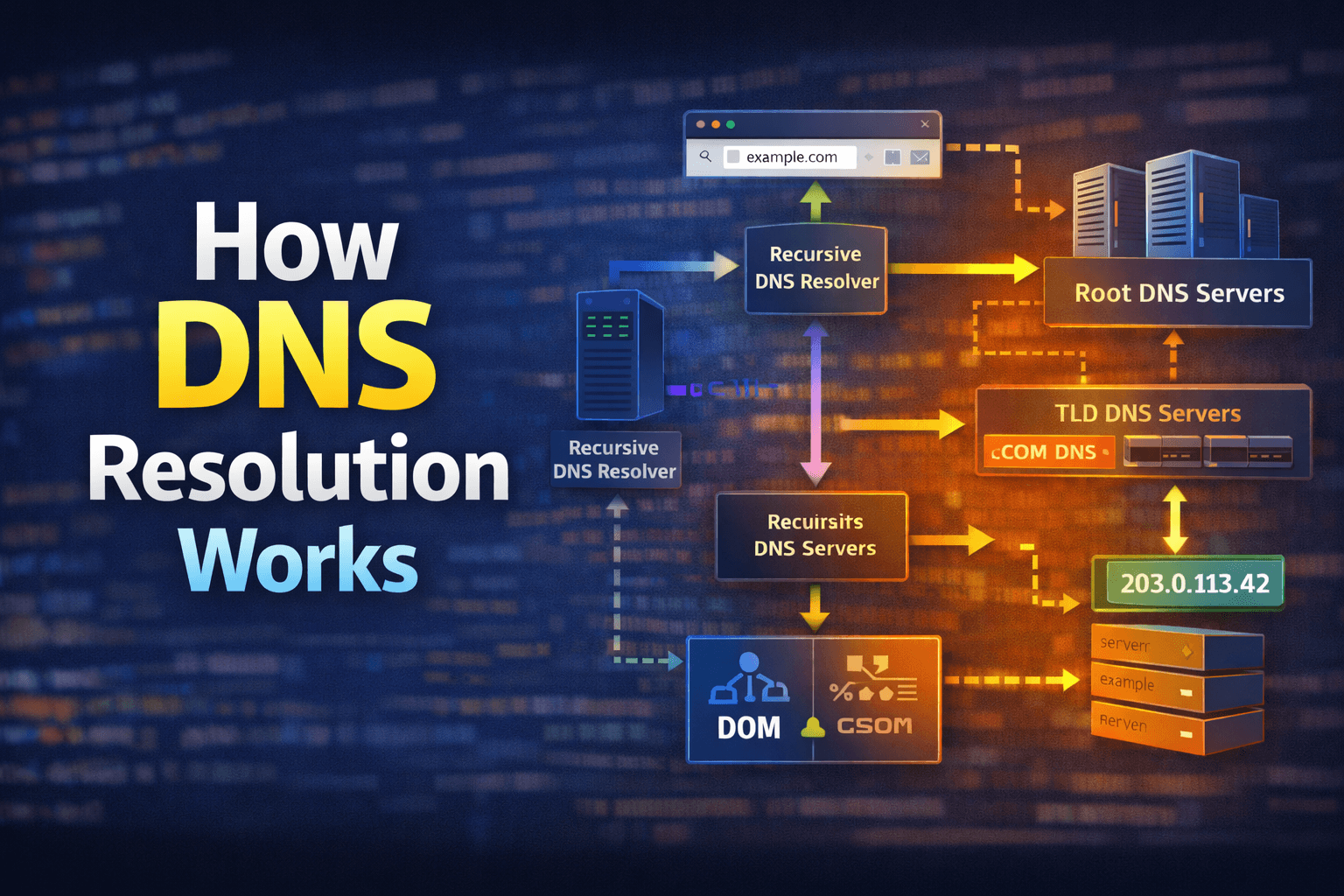
The Domain Name System (DNS) is often referred to as the "phonebook of the internet." It translates human-friendly domain names (like www.example.com) into machine-friendly IP addresses (like, 192.0.2.1). This process, known as DNS resolution, is crucial for enabling users to access websites and online services easily. In this article, we will explore how DNS resolution works step-by-step.
The DNS Resolution Process
When you enter a URL into your web browser, the DNS resolution process begins. Here’s a breakdown of the key steps involved:
-
Browser Cache Check: The browser first checks its own cache to see if it has recently resolved the domain name. If it finds a valid entry, it uses that IP address to connect to the server.
-
Operating System Cache Check: If the browser cache does not have the information, the request is passed to the operating system, which checks its own DNS cache for a recent resolution.
-
Recursive DNS Resolver Query: If the OS cache does not have the information, it sends a query to a recursive DNS resolver (often provided by your ISP or a third-party service like Google DNS or Cloudflare). The resolver is responsible for finding the IP address associated with the domain name.
-
Root Name Server Query: If the recursive resolver does not have the answer cached, it queries one of the root name servers. The root server responds with a referral to the appropriate Top-Level Domain (TLD) name server (e.g., .com, .org).
-
TLD Name Server Query: The recursive resolver then queries the TLD name server, which responds with a referral to the authoritative name server for the specific domain.
-
Authoritative Name Server Query: Finally, the recursive resolver queries the authoritative name server for the domain. This server holds the actual DNS records and responds with the IP address associated with the domain name.
-
Response to Client: The recursive resolver sends the IP address back to the operating system, which then passes it to the browser. The browser can now establish a connection to the web server using the resolved IP address.
Conclusion
DNS resolution is a complex but efficient process that allows users to access websites using easy-to-remember domain names. By understanding how DNS works, developers and IT professionals can better appreciate the underlying mechanisms that make the internet function smoothly.
Further Reading
Happy learning!