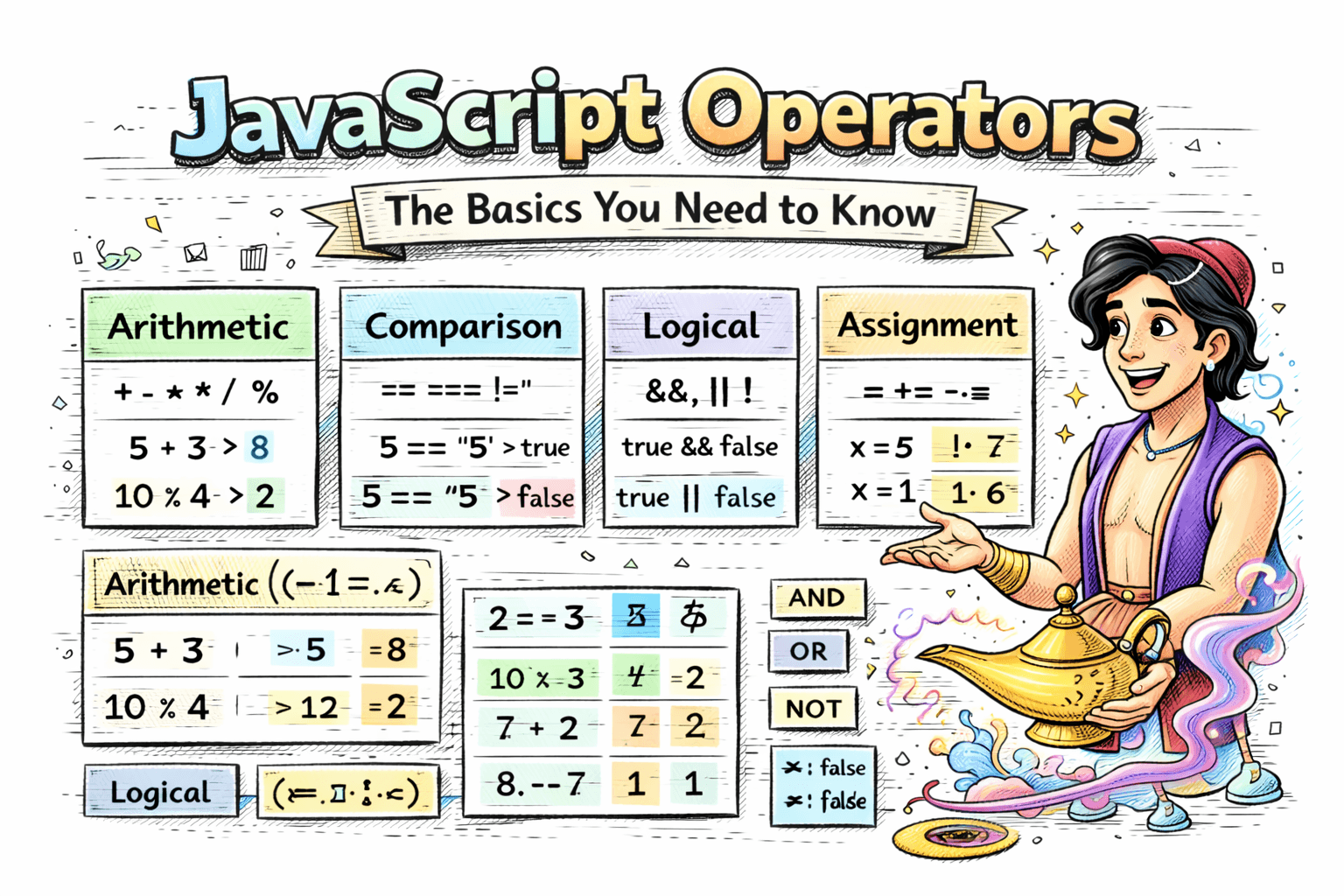
Operators are the building blocks of any programming language, and JavaScript is no exception. They allow you to perform operations on variables and values, making your code dynamic and powerful. In this article, we will explore the basics of JavaScript operators, including arithmetic, comparison, logical, and assignment operators.
What Are Operators?
An operator performs an action on one or more values. Those values are called operands. In JavaScript, operators are everywhere, from + for math to === for comparisons.
Arithmetic Operators
Arithmetic operators handle numbers and math.
+(Addition): Adds two numbers.
let a = 5;
let b = 3;
console.log(a + b); // Output: 8
-(Subtraction): Subtracts one number from another.
console.log(a - b); // Output: 2
*(Multiplication): Multiplies two numbers.
console.log(a * b); // Output: 15
/(Division): Divides one number by another.
console.log(a / b); // Output: 1.6666666666666667
%(Remainder): Gives the remainder after division.
console.log(a % b); // Output: 2
Example use: check if a number is even or odd.
let n = 7;
console.log(n % 2 === 1); // true
Comparison Operators
Comparison operators return true or false.
==(Loose equality): Compares values after type conversion.
console.log(5 == '5'); // Output: true
===(Strict equality): Compares values without type conversion.
console.log(5 === '5'); // Output: false
!=(Loose inequality): Compares values after type conversion.
console.log(5 != '5'); // Output: false
>(Greater than): Checks if left is greater than right.
console.log(5 > 3); // Output: true
<(Less than): Checks if left is less than right.
console.log(5 < 3); // Output: false
Tip: Use === and !== most of the time to avoid unexpected results.
Logical Operators
Logical operators combine conditions or invert them.
&&(Logical AND):trueif both conditions are true.
let x = 5;
let y = 10;
console.log(x > 3 && y < 15); // Output: true
||(Logical OR):trueif at least one condition is true.
console.log(x > 3 || y < 5); // Output: true
!(Logical NOT): Inverts a boolean.
console.log(!(x > 3)); // Output: false
Short circuit behavior: && and || stop early.
let name = "";
let safeName = name || "Guest";
console.log(safeName); // Guest
Assignment Operators
Assignment operators store values in variables.
=(Assignment): Assigns a value to a variable.
let z = 10;
+=(Add and assign): Adds a value and stores the result.
z += 5; // Equivalent to z = z + 5
console.log(z); // Output: 15
-=(Subtract and assign): Subtracts a value and stores the result.
z -= 3; // Equivalent to z = z - 3
console.log(z); // Output: 12
You will also see *=, /=, and %= used often.
Common Mistakes
- Using
==when you meant=== - Comparing numbers and strings without checking types
- Forgetting that
0, "",null, andundefinedare all falsy
Example:
let score = 0;
if (!score) {
  console.log("Score is zero or missing");
}
Conclusion
Operators are small symbols, but they make your code work. If you are comfortable with arithmetic, comparison, logical, and assignment operators, writing conditions and calculations becomes much easier. Practice them in small scripts to build confidence.