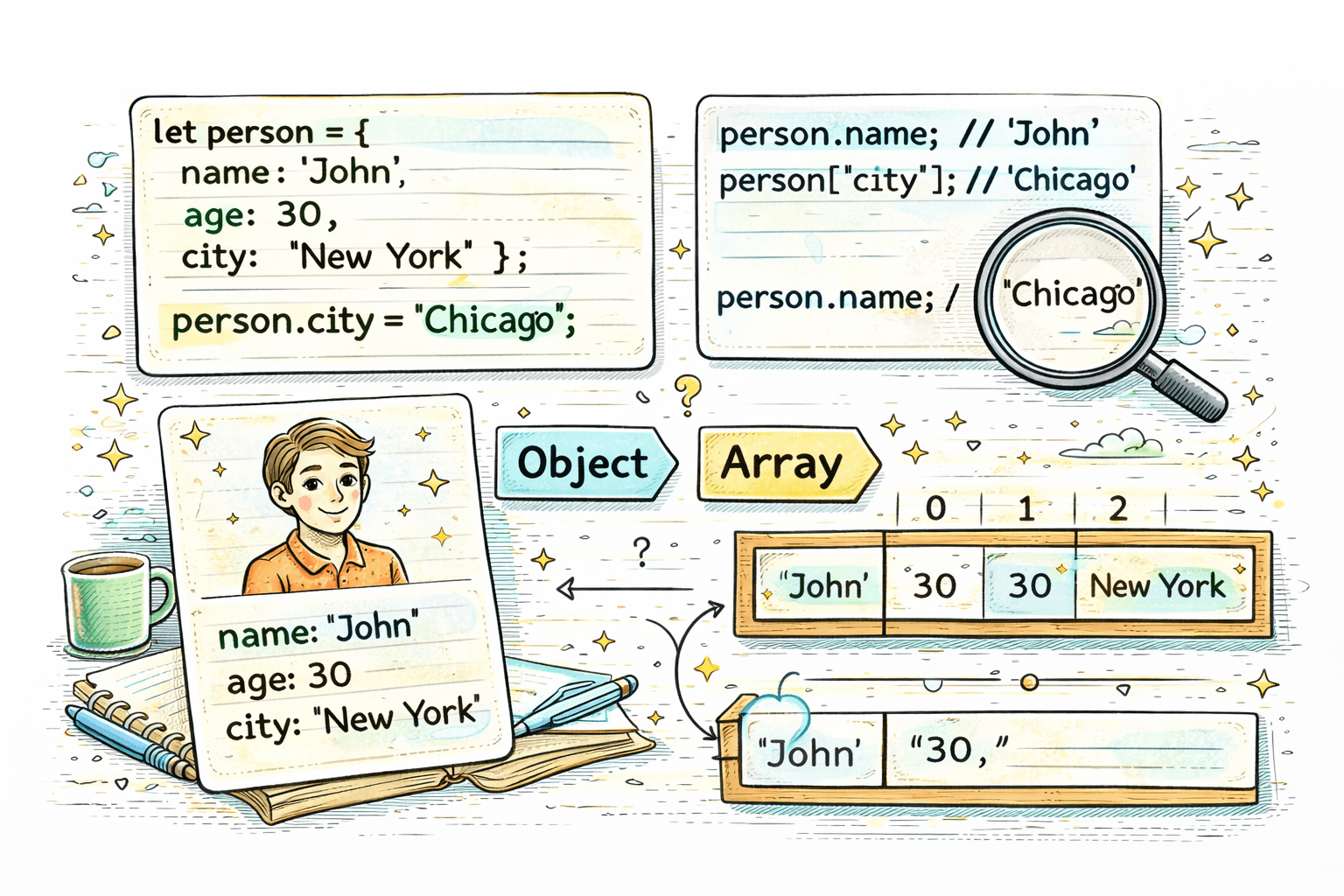
Suppose you want to store information about a person:
let name = "Aman";
let age = 21;
let city = "Delhi";
This works, but these values are clearly related. They all describe one person. Instead of storing them in separate variables, JavaScript gives us a better way to group related data together. That is where objects come in.
What Are Objects?
An object is a structure that stores data as key-value pairs.
In simple words:
- a key is the property name
- a value is the actual data stored in that property
For example:
let person = {
  name: "Aman",
  age: 21,
  city: "Delhi",
};
Here:
nameis a key and"Aman"is its valueageis a key and21is its valuecityis a key and"Delhi"is its value
Why Do We Need Objects?
Objects are useful when you want to store multiple related values that describe one thing.
For example:
- details of a person
- information about a product
- data of a student
- settings of an application
Objects help keep related data together in a clean and organized way.
Creating Objects
You create an object using curly braces {}.
let person = {
  name: "Aman",
  age: 21,
  city: "Delhi",
};
This object has three properties.
You can create another object easily:
let car = {
  brand: "Toyota",
  color: "Black",
  year: 2024,
};
Objects vs Arrays
Beginners often confuse arrays and objects, so it is important to separate them clearly.
An array stores values in order:
let fruits = ["apple", "banana", "mango"];
You access array values by index:
console.log(fruits[0]); // apple
An object stores values using keys:
let person = {
  name: "Aman",
  age: 21,
  city: "Delhi",
};
You access object values by property name:
console.log(person.name); // Aman
A simple difference:
- arrays are better when order matters
- objects are better when values describe one thing with named properties
Accessing Properties
There are two common ways to access object properties.
Dot Notation
Dot notation is the most common and readable form.
let person = {
  name: "Aman",
  age: 21,
  city: "Delhi",
};

console.log(person.name); // Aman
console.log(person.age); // 21
Bracket Notation
Bracket notation is another way to access properties.
let person = {
  name: "Aman",
  age: 21,
  city: "Delhi",
};

console.log(person["city"]); // Delhi
Bracket notation is useful when the property name is stored in a variable.
let key = "name";
console.log(person[key]); // Aman
Updating Object Properties
You can change an existing property by assigning a new value.
let person = {
  name: "Aman",
  age: 21,
  city: "Delhi",
};

person.age = 22;

console.log(person.age); // 22
You can also update using bracket notation:
person["city"] = "Mumbai";

console.log(person.city); // Mumbai
Adding New Properties
If a property does not already exist, JavaScript adds it to the object.
let person = {
  name: "Aman",
  age: 21,
};

person.city = "Delhi";

console.log(person);
Now the object has a new city property.
Deleting Properties
You can remove a property using the delete keyword.
let person = {
  name: "Aman",
  age: 21,
  city: "Delhi",
};

delete person.city;

console.log(person);
After this, the city property is removed from the object.
Looping Through Object Keys
Sometimes you want to go through all the properties of an object. A simple way to do that is with a for...in loop.
let person = {
  name: "Aman",
  age: 21,
  city: "Delhi",
};

for (let key in person) {
  console.log(key);
}
This prints:
name
age
city
If you want both the key and value:
for (let key in person) {
  console.log(key, person[key]);
}
This prints:
name Aman
age 21
city Delhi
A Simple Real World Example
Here is a clear example using a student object:
let student = {
  name: "Riya",
  age: 19,
  city: "Pune",
};

console.log(student.name); // Riya

student.age = 20;
student.course = "BCA";

delete student.city;

for (let key in student) {
  console.log(key, student[key]);
}
This example shows:
- accessing properties
- updating a property
- adding a new property
- deleting a property
- looping through the object
Common Beginner Mistakes
- Treating objects like arrays
- Forgetting to use quotes in bracket notation
- Trying to access a property that does not exist
Example:
let person = {
  name: "Aman",
};

console.log(person.age); // undefined
If a property does not exist, JavaScript gives undefined.
Conclusion
Objects are one of the most important parts of JavaScript. They help you store related data using key-value pairs, which makes code easier to read and organize. Once you understand how to create objects, access properties, update them, add new ones, delete them, and loop through keys, you can model real-world data much more clearly in your programs.